



AWI | Autodesk
Moving from SSA to InfoDrainage: How to Modernize Your Stormwater Design Workflow
Storm and Sanitary Analysis (SSA) is no longer shipped with Civil 3D. Compare your options and learn how to move your stormwater design to InfoDrainage.

SolidCAD 4 Nov 2026
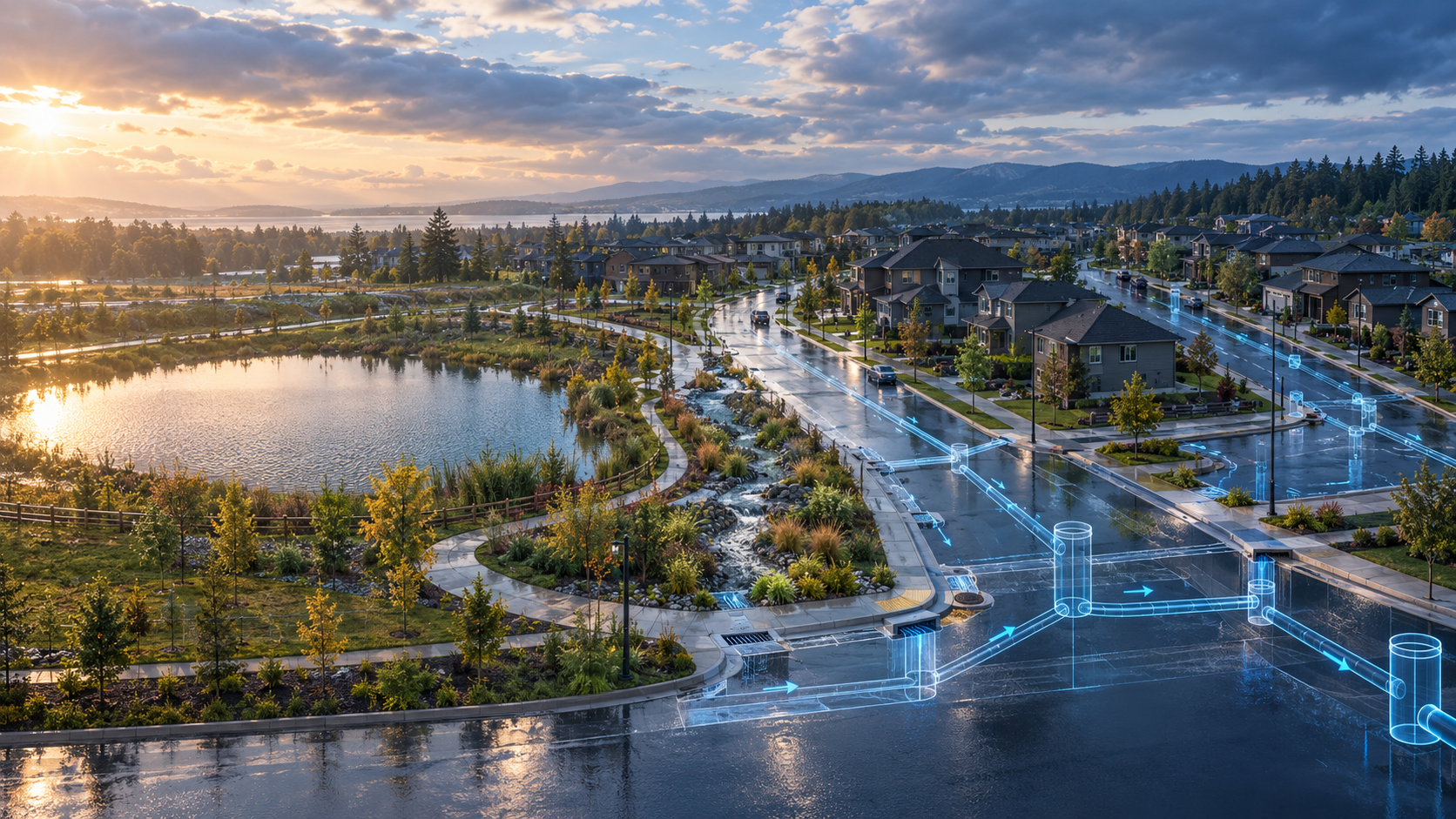
Storm and Sanitary Analysis (SSA) is a legacy Civil 3D extension that is no longer automatically downloaded with current Civil 3D releases. Autodesk now offers two paths forward: built-in drainage analysis tools in Civil 3D 2026.2 and later for checking pipe networks inside the model, and InfoDrainage for advanced stormwater design, including automated sizing, green infrastructure and 1D/2D analysis.
For years, SSA was the go-to tool for many civil engineers who needed to analyze storm and sanitary networks from Civil 3D. If your team still relies on it, you have probably noticed that it no longer comes with new Civil 3D installs. That raises practical questions: what happens to existing models, which tool should you use for new projects, and how do you make the switch without slowing down active work?
This guide explains where SSA stands today, how the new options compare, and how to plan a smooth move to a modern stormwater design workflow.
What Is Storm and Sanitary Analysis (SSA)?
Storm and Sanitary Analysis is an Autodesk extension for Civil 3D used to model and analyze stormwater and sanitary sewer systems. Engineers used it to evaluate pipe networks, catchments, ponds and hydraulic grade lines, and to check whether a design met local drainage criteria.
Autodesk now describes SSA as a legacy drainage analysis application. It is still useful for engineers who need to open existing SSA models or reference older projects, but it is no longer the recommended tool for new stormwater design work.
What Is Replacing SSA in Civil 3D?
Autodesk has split what SSA used to do into two modern options, each suited to a different kind of work.
Drainage analysis tools in Civil 3D
Starting with Civil 3D 2026.2, Civil 3D includes built-in drainage analysis tools. They let you run drainage analysis directly on Civil 3D objects, such as pipe networks, catchments, channels and stormwater controls, and calculate hydraulic and energy grade lines without leaving the model. These tools are powered by InfoDrainage analysis cloud services.
InfoDrainage
InfoDrainage is Autodesk dedicated drainage design and analysis software. It goes further than checking a network: it helps you design one. It is the natural home for engineers who used SSA for full stormwater design rather than quick checks.
SSA vs. Civil 3D Drainage Tools vs. InfoDrainage
| SSA (legacy) | Civil 3D drainage tools | InfoDrainage | |
|---|---|---|---|
| Status | Legacy, no longer shipped with Civil 3D | Included in Civil 3D 2026.2 and later | Current, actively developed |
| Best for | Opening and referencing existing SSA models | Checking and validating networks inside the Civil 3D model | Full stormwater design and analysis |
| Automated network sizing | Not recommended for new design work | Not included | Yes, with a design wizard and constraints |
| Green infrastructure | Simplified representation | Not included | Detailed modeling of swales, porous pavement, bioretention and more |
| 1D/2D analysis | Not recommended for new design work | Not included | Yes |
| Scenarios and reporting | Manual, spreadsheet-based | Export to Excel | Phase management and flexible, template-based reports |
What Happens to Your Existing SSA Models?
Your existing SSA work does not disappear. Engineers who still have SSA projects can continue to reference those models, which is useful for projects that are already under review or nearing completion. What changes is the recommended path for new work.
A practical approach is to finish active projects in their current tool, and start new projects in the Civil 3D drainage tools or InfoDrainage. For long-running projects or systems you model repeatedly, such as a municipal network, it is worth planning when to rebuild the model in InfoDrainage, so future updates, reports and scenario testing all happen in a current, supported tool.
What Does InfoDrainage Add for Former SSA Users?
For teams moving from SSA, InfoDrainage adds capabilities that make stormwater design faster and more flexible:
-
Automated design: the Network Design Wizard sizes pipes and structures automatically based on your design criteria, so you can test options in minutes instead of hours.
-
Sustainable drainage and green infrastructure: design swales, porous pavement, bioretention and other low impact development features alongside conventional pipes and ponds.
-
Integrated 1D/2D analysis: see how water moves both through the network and across the surface, which is essential for understanding overland flow and flooding risk.
-
Surface ponding insight: tools such as the ML Deluge Tool help visualize where water naturally collects on a site before you design the network.
-
Regional rainfall methods: support for multiple hydrology and rainfall methods, including SWMM runoff methods and climate change assessments.
-
Flexible reporting: build report templates that match what your clients and reviewing authorities expect, and have them update automatically when the design changes.
-
Phases and scenarios: manage design phases and compare the results of different scenarios side by side, with critical storm duration analysis and validation checks before you run the analysis.
How Does InfoDrainage Work with Civil 3D?
Moving to InfoDrainage does not mean leaving Civil 3D behind. The two applications are designed to work together: civil designers keep working in Civil 3D, while drainage specialists use InfoDrainage for detailed analysis and design, and the network can move between them. Autodesk has continued to expand this interoperability in recent releases.
In practice, many teams use the Civil 3D drainage tools for quick checks during civil design and InfoDrainage for the detailed stormwater design and reporting that projects and approvals require.
How to Move from SSA to InfoDrainage: A 5-Step Plan
1. Take stock of your SSA models
List the active projects that still depend on SSA and identify which models you will need to reference, update or rebuild.
2. Decide which tool fits each type of project
Quick network checks can move to the Civil 3D drainage tools. Projects with detention design, green infrastructure or detailed reporting are a better fit for InfoDrainage.
3. Pilot InfoDrainage on one real project
Choose a representative project and run it in InfoDrainage from start to finish. This is the fastest way to see where it saves time and what your standards need to include.
4. Set up templates and design criteria
Capture your local design criteria, rainfall data and report formats as templates, so every engineer starts from the same standard.
5. Train your team
Plan training for both drainage specialists and civil designers so everyone understands how the Civil 3D and InfoDrainage workflows connect. SolidCAD offers Autodesk training and civil infrastructure consulting to support the transition.
See the Move from SSA to InfoDrainage in Action
Join our Water Infrastructure Webinar: SSA to InfoDrainage on October 29. Autodesk and SolidCAD specialists will walk through how to modernize your stormwater design workflow, with a live look at how SSA users can get up and running in InfoDrainage.
[WEBINAR LINK PENDING]
Want to explore the full Autodesk water portfolio? Visit our Autodesk Water Infrastructure Solutions page or talk to a SolidCAD water specialist.
Frequently Asked Questions
What is Storm and Sanitary Analysis (SSA)?
Storm and Sanitary Analysis (SSA) is a legacy Autodesk extension for Civil 3D used to model and analyze stormwater and sanitary sewer networks, including pipes, catchments, ponds and hydraulic grade lines. It is no longer automatically downloaded with current Civil 3D releases.
Is SSA being replaced in Civil 3D?
Yes. Autodesk has replaced SSA with built-in drainage analysis tools in Civil 3D 2026.2 and later, and with InfoDrainage for more advanced drainage design. Engineers with existing SSA models can still reference them, but new work is best done in the current tools.
What is InfoDrainage?
InfoDrainage is Autodesk drainage design and analysis software for stormwater networks. It supports automated network sizing, sustainable drainage and green infrastructure design, integrated 1D/2D analysis, flexible reporting and connected workflows with Civil 3D.
Should I use Civil 3D drainage tools or InfoDrainage?
Use the Civil 3D drainage tools to check and validate pipe networks without leaving your Civil 3D model. Use InfoDrainage when you need to size networks automatically, design green infrastructure, compare design options quickly or produce detailed drainage reports.
Can InfoDrainage work with my Civil 3D models?
Yes. InfoDrainage is designed to work alongside Civil 3D, so drainage networks can move between civil design and detailed drainage analysis. Autodesk has continued to expand this interoperability in recent releases.
How do I move from SSA to InfoDrainage?
Start by listing your active SSA models and projects, decide which tool fits each project, pilot InfoDrainage on one project, set up templates and design criteria, and train your team. SolidCAD can help plan the transition and provide training.
Unlock expert insights: connect with SolidCAD today!
Discover how SolidCAD Insights can accelerate your business growth and transformation. From industry trends to practical strategies, our experts are here to help. Contact us today to discuss your needs and explore solutions tailored to your business.
